
Grab Your Perfect Savings Planner Spreadsheet and Start Tracking Today
Stop Guessing Where Your Money Goes — Use a Savings Planner Spreadsheet
A savings planner spreadsheet is one of the fastest ways to take control of your financial goals — whether you’re building an emergency fund, saving for a vacation, or working toward a down payment.
Here are the best free and customizable options to get started right now:
| Template Type | Best For | Where to Get It |
|---|---|---|
| Google Sheets savings planner | Cloud access, collaboration | Cloud platforms |
| Excel savings planner | Offline use, advanced formulas | Desktop software |
| Visual budget planner | Visual, design-forward tracking | Design tools |
| Savings snowball calculator | Multiple goals, sequential saving | Financial planning resources |
| Lazid Finance savings tracker | All-in-one goal tracking | Lazid Finance |
Most people treat saving as an afterthought — whatever’s left over after spending. That’s the problem.
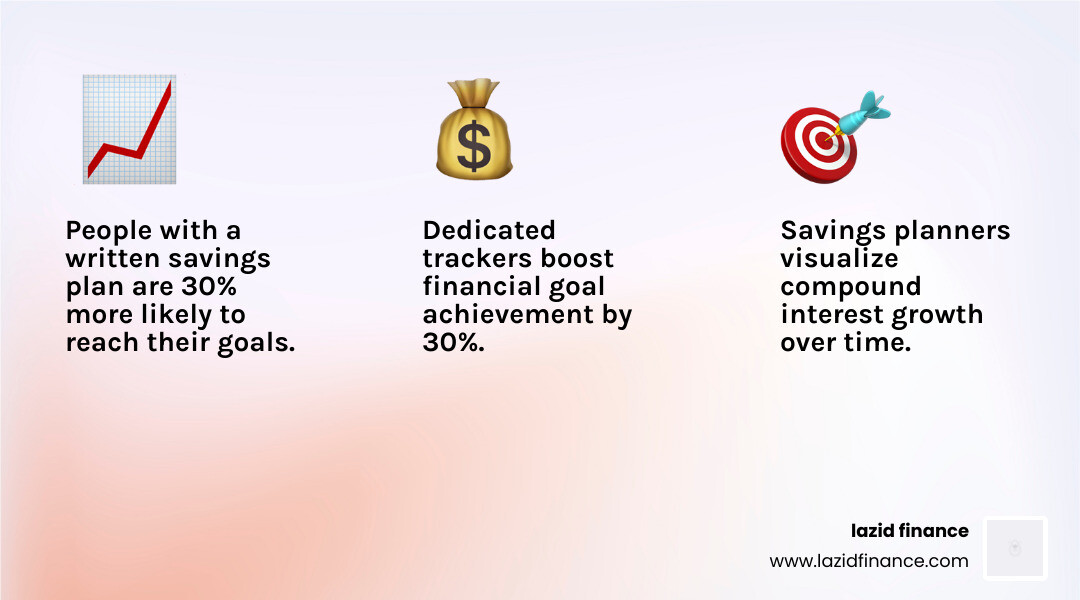
Research suggests that people with a clear written plan are 30% more likely to reach their financial goals. A savings planner spreadsheet makes that plan visible, trackable, and adjustable in real time.
Unlike a general budget template — which focuses on where your money went — a savings planner is forward-looking. It answers: “Where is my money going, and will it get me to my goal?”
It’s April 2026, and with rising costs putting pressure on household finances, having a dedicated savings tracker isn’t a luxury. It’s a practical necessity.
Why You Need a Dedicated Savings Planner Spreadsheet

We’ve all been there: you look at your bank account at the end of the month and wonder where that “extra” money went. Usually, it vanished into a series of small, unmemorable purchases. This is where a savings planner spreadsheet changes the game.
While a general budget is about defense (limiting spending), a savings planner is about offense (building wealth). It shifts your focus from “What did I spend?” to “What am I building?” By using a dedicated tool, you can visualize your progress toward specific milestones, whether that’s a $10,000 emergency fund or a dream wedding.
Savings vs. Budgeting: The Crucial Difference
A budget is a record of your boundaries. It tracks your rent, groceries, and utilities. A savings planner, however, focuses specifically on the growth of your assets. It allows you to:
- Visualize the Future: See exactly how much you’ll have in three years if you save $200 a month.
- Leverage Compound Interest: Understand how your money grows over time when invested.
- Create Financial Security: Establish a safety net that protects you from life’s unexpected curveballs.
At Lazid Finance, we believe in providing intelligent financial tools for conscious decisions. Our approach is to move beyond mere tracking and into the realm of mindful choice. When you see your savings growing on a dashboard, you’re 30% more likely to stick to your goals because that progress becomes tangible.
Key Features of an Effective Savings Planner Spreadsheet
Not all spreadsheets are created equal. If you’re building your own or looking for a template, here are the non-negotiables:
- Automated Formulas: You shouldn’t need a math degree to know your balance. The best tools, such as the Lazid Finance savings tracker, handle the calculations for you automatically.
- Inflation Adjustment: In April 2026, we know that $100 today won’t buy the same amount of groceries in five years. A smart planner allows you to adjust for annual inflation rates.
- Dashboard Charts: Humans are visual creatures. A pie chart showing your “Vacation Fund” vs. “Emergency Fund” is much more motivating than a wall of numbers.
- Custom Categories: Your life is unique. Your spreadsheet should allow you to track everything from “New Puppy Fund” to “Quarterly Taxes.”
- User-Friendly Interface: If it’s ugly and hard to use, you won’t use it. Clean design is a feature, not a bonus.
Top Savings Planner Spreadsheet Templates for 2026
Choosing the right platform is the first step toward financial clarity. Whether you’re a Google devotee or an Excel power user, there’s a savings planner spreadsheet designed for your workflow.
| Feature | Basic Template | Premium Lazid Finance Solutions |
|---|---|---|
| Goal Tracking | Single Goal | Unlimited Goals |
| Visualizations | Simple Bar Charts | Dynamic Interactive Dashboards |
| Projections | Linear Growth | Compound Interest & Volatility Simulation |
| Customization | Limited | Fully Tailored to Your Lifestyle |
| Collaboration | Manual Sharing | Real-time Sync & Cloud Access |
Google Sheets Savings Planner Spreadsheet Options
Google Sheets is often the go-to for families and individuals who need access on the move. Because it lives in the cloud, you can update your savings while standing in line at the grocery store.
- Real-Time Collaboration: Perfect for partners who are saving for a joint goal like a home down payment.
- Secure Data Storage: Your data is backed up automatically.
- Template Variety: You can start with a personal monthly budget template and customize it for savings, or use a dedicated savings worksheet.
Excel and Printable Savings Planner Spreadsheet Tools
For those who prefer deep-dive analytics or offline privacy, Microsoft Excel remains the gold standard.
- Advanced Macros: Excel can handle complex recursive simulations, such as calculating the exact month you will reach financial independence.
- High-Resolution Printables: Sometimes, putting a physical tracker on your fridge is the best way to stay motivated. You can find many free budget template spreadsheets to customize that are printer-friendly.
- Privacy: Your financial data stays on your hard drive, which many users prefer for sensitive information.
How to Customize Your Savings Tracker for Maximum Growth

A template is just a starting point. To truly supercharge your wealth, you need to tailor your savings planner spreadsheet to your specific financial philosophy.
Integrating Popular Budgeting Methods
We recommend integrating your tracker with established methods to ensure you aren’t just saving “whatever is left.”
- The 50/30/20 Rule: Allocate 50% of your income to needs, 30% to wants, and 20% to savings and debt repayment. Your spreadsheet should have a “Target vs. Actual” section to see if you’re hitting that 20% mark.
- The Savings Snowball: Similar to the debt snowball, this method focuses on hitting small savings goals first to build momentum. Start with a $1,000 “Safety Reserve” before moving to a full three-month emergency fund.
- Sinking Funds: These are “savings accounts” for known future expenses that aren’t monthly—like car registration, holiday gifts, or annual insurance premiums. By tracking these in your spreadsheet, you avoid the “emergency” of a bill you knew was coming.
Setting Up Your Categories
A robust planner should divide your savings into logical buckets. This prevents you from accidentally spending your “House Fund” on a “Emergency Car Repair.”
- Emergency Fund: The foundation of financial security.
- Retirement Planning: Even if you have a 401(k), tracking your total net worth growth in your personal spreadsheet provides a holistic view.
- Debt Payoff Integration: Use your planner to track how “extra” savings can be funneled into high-interest debt, which is essentially a guaranteed return on your investment.
Advanced Tips for Automating Your Savings Projections
Once you’ve mastered the basics, it’s time to let technology do the heavy lifting. Automation reduces the friction of saving, making it more likely that you’ll stay consistent.
The Power of Projections
A great savings planner spreadsheet doesn’t just show you what you have; it shows you what you will have.
- Compound Interest Formulas: Use formulas that account for monthly contributions and annual interest rates. Seeing your balance accelerate over 10, 20, or 30 years is the best motivation to keep saving.
- Random Interest Simulation: The market doesn’t return a flat 7% every year. Advanced spreadsheets can use “random interest” features to simulate market volatility, giving you a “best-case” and “worst-case” scenario for your retirement or investment goals.
- Projected vs. Actual: Every month, compare what you planned to save with what you actually saved. This variance analysis helps you identify spending leaks before they become habits.
Shared Household Spreadsheets
If you’re managing finances with a partner, transparency is key. Using a shared cloud-based spreadsheet allows both parties to see the progress toward shared goals. This reduces “money arguments” and ensures everyone is pulling in the same direction. We suggest setting up a “Monthly Check-in” tab where you both review the progress and adjust the plan for the following month.
Frequently Asked Questions about Savings Planners
How does a savings planner differ from a budget?
Think of a budget as your “daily operations” manual—it tracks the money coming in and going out for expenses. A savings planner spreadsheet is your “strategic growth” manual. It focuses specifically on wealth accumulation, goal timelines, and asset growth. While a budget tells you that you spent $500 on groceries, a savings planner tells you that you are 45% of the way to your $20,000 house down payment.
Can I use one spreadsheet for multiple savings goals?
Absolutely! In fact, we recommend it. You don’t need ten different bank accounts to save for ten different things. You can use a single high-yield savings account and use your spreadsheet to “virtually split” that money. Your spreadsheet acts as a register, assigning every dollar in that account to a specific goal (e.g., $1,000 to “Vacation,” $3,000 to “Emergency Fund”).
What are the best categories to include in my planner?
While everyone’s needs differ, we suggest starting with these essentials:
- Emergency Fund: Aim for 3-6 months of expenses.
- Retirement: Track your contributions and projected growth.
- Sinking Funds: For irregular but predictable costs (car tires, birthdays).
- Big Purchases: Home down payments, new vehicles, or major electronics.
- Education: Saving for your own certifications or your children’s future.
- Vacations: Because everyone needs a break!
Common Mistakes to Avoid
Even with the best savings planner spreadsheet, there are pitfalls to watch out for:
- Forgetting Irregular Expenses: If you don’t plan for that annual car insurance bill, it will “steal” from your other savings goals.
- Being Overly Optimistic: Don’t plan to save 50% of your income if you’ve never saved 10%. Start small and build the habit.
- Neglecting the “Actual” Column: It’s easy to plan a perfect month. It’s harder to track what actually happened. Consistency in data entry is the only way to get accurate results.
- Treating Savings as “Leftovers”: Always pay yourself first. Treat your savings contribution as a non-negotiable expense, just like your rent.
Conclusion: Start Your Journey with Lazid Finance
At Lazid Finance, we are committed to providing smart finance solutions tailored for mindful choices. We know that the road to financial independence isn’t paved with complex jargon, but with simple, consistent actions.
Using a savings planner spreadsheet is a declaration of intent. It says that you are no longer letting your money control you; instead, you are directing your resources toward the life you want to live. Whether you are using a simple Make a Budget Worksheet or a high-powered automated tracker, the most important step is the one you take today.
Ready to make a conscious decision about your future? Start tracking, start planning, and watch your financial clarity grow.
Start your journey with Lazid Finance

